Guides
Free trading card template
Skip the blank PSD or Word file. Pick a ready-made trading card template in your browser, fill in the name, stats, text and art, then download the card or print a whole sheet.
Templates for your own card game
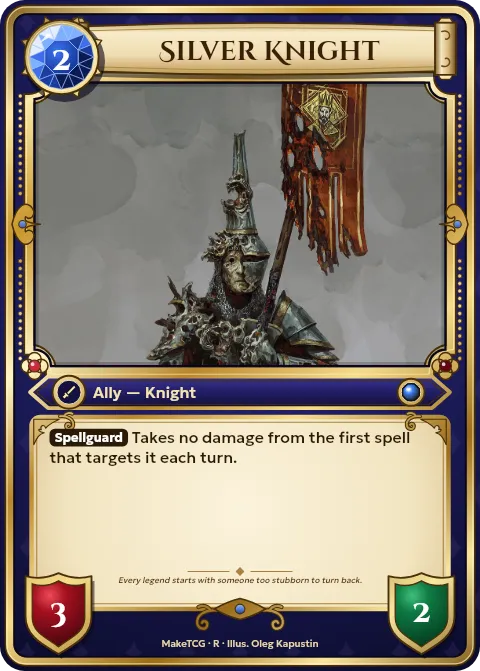
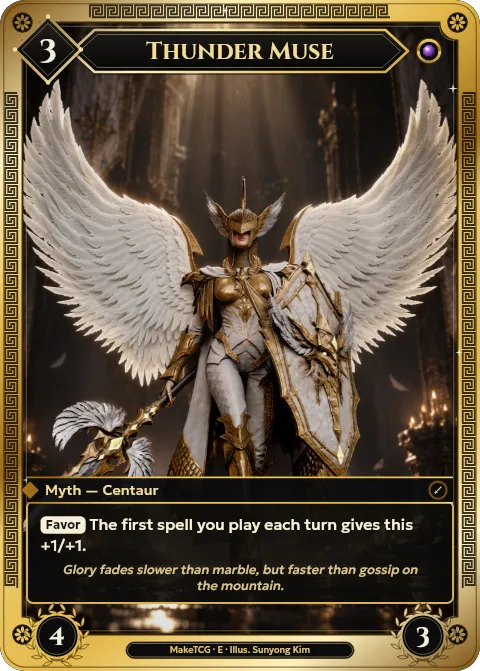
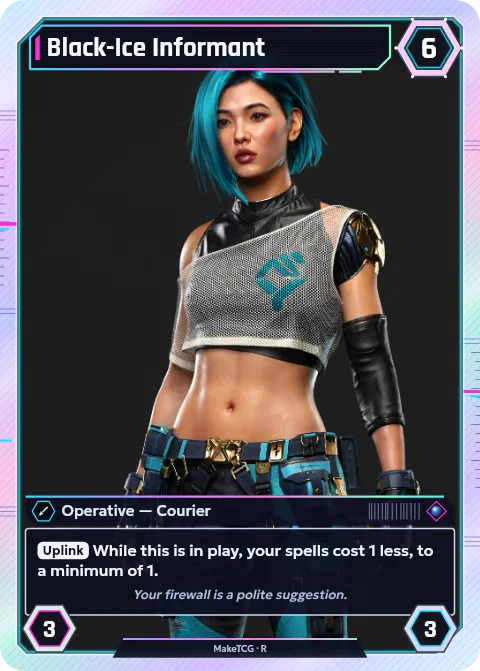
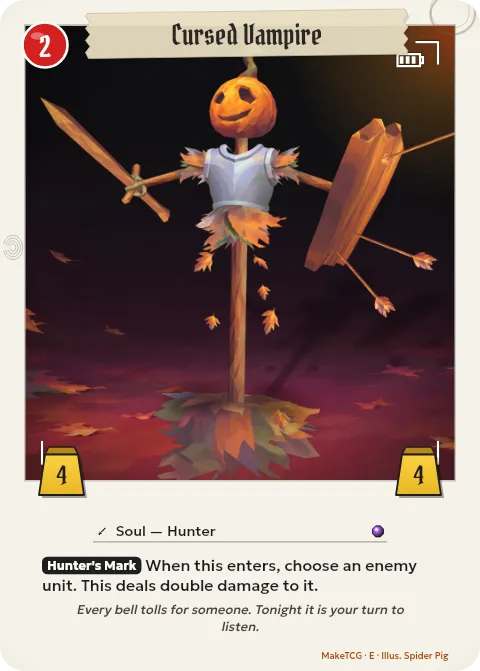
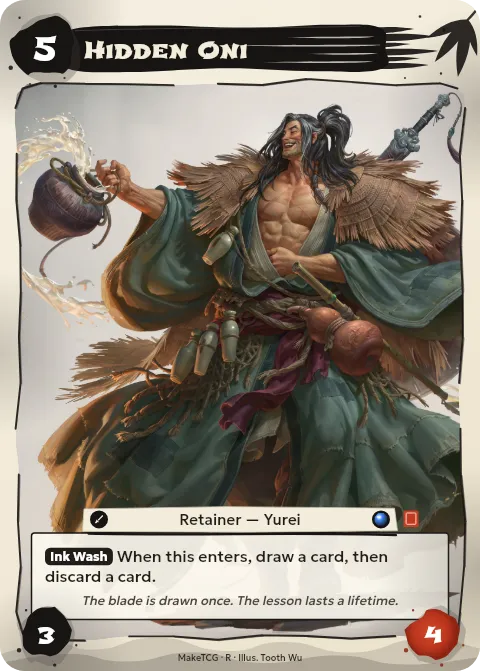
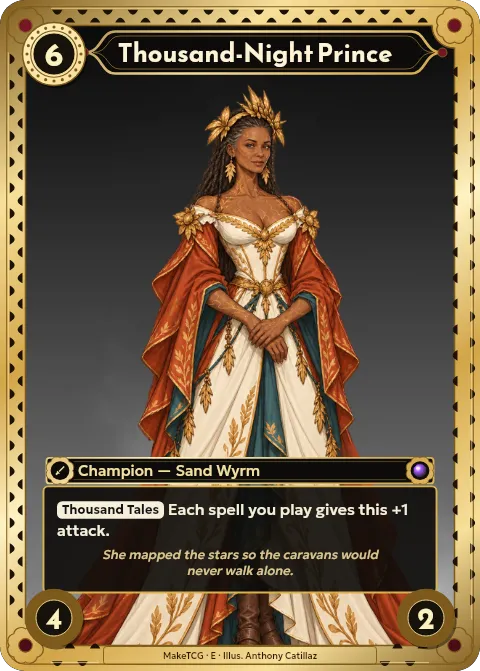
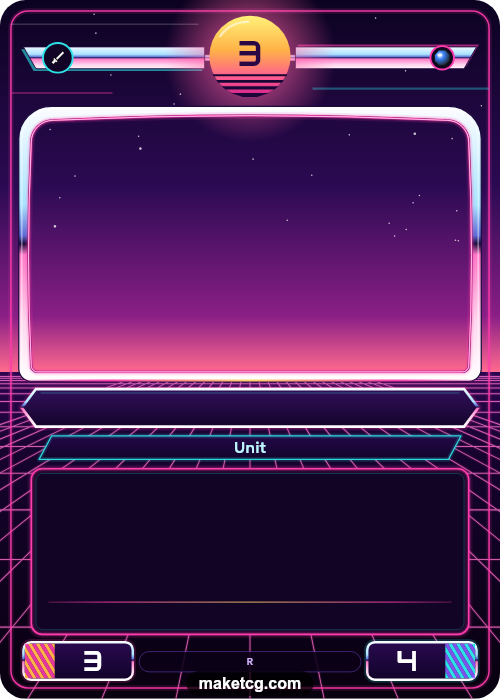
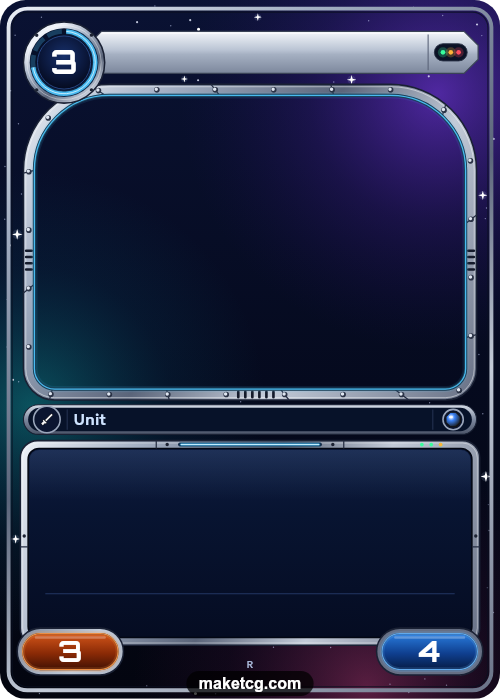
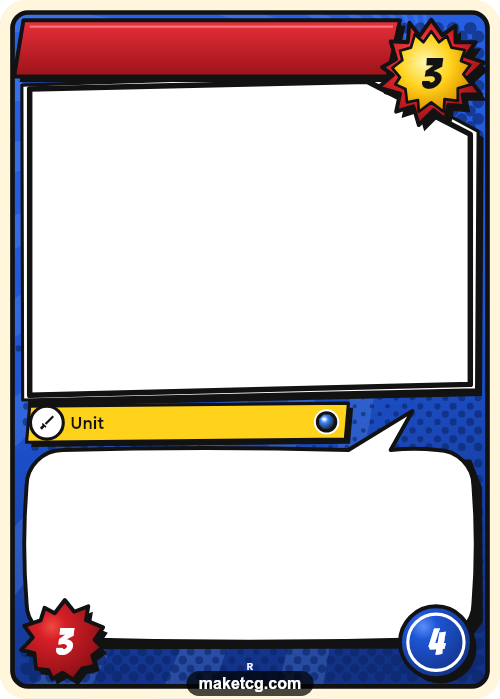
There are 16 themes, from High Fantasy and Edo Japan to Neon City and Deep Space, each with many frame styles such as classic, full art, borderless, holo foil and gilded gold. The frame can take any colour.
Fill it in online
Type the card name, cost, type line and ability, set the stats and add your own art. The text fits the frame as you type, and the preview shows exactly what you will download.
Printable trading card template
Download a card as a PNG at 300 or 600 DPI, with optional 3 mm bleed for print shops. Or add your cards to Proxy Print and download an A4, Letter or A3 PDF with cut guides, ready to print at home.
Standard card size
Every template has the standard trading card size, 63 × 88 mm (2.5 × 3.5 inches), so printed cards fit regular sleeves.
Good for
- Prototyping and playtesting your own card game
- Classroom, party and family games
- Gifts and personalised cards
- Custom cards for tabletop campaigns
Cards made with MakeTCG
Free blank templates (PNG)
Download an empty frame and fill it in with any image editor, or print it and draw on it. Free, no sign-up, no watermark. To fill one in online instead, open the template above.
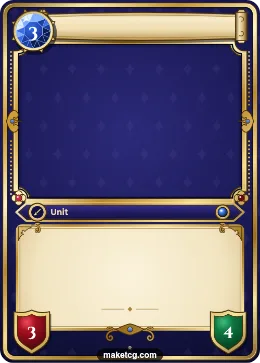 High FantasyDownload PNG
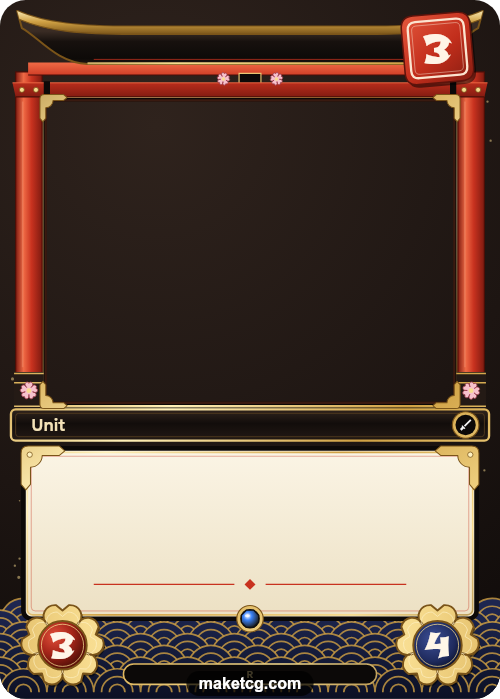
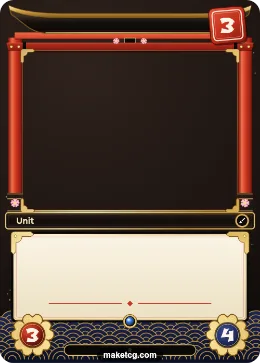 Edo JapanDownload PNG
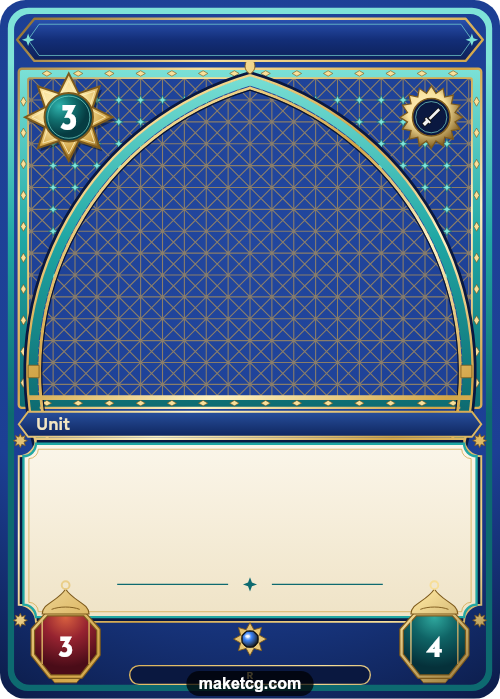
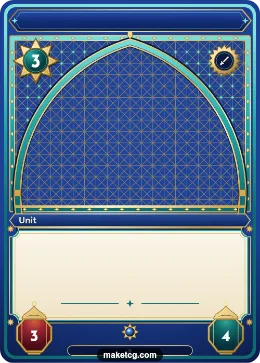 Thousand NightsDownload PNG
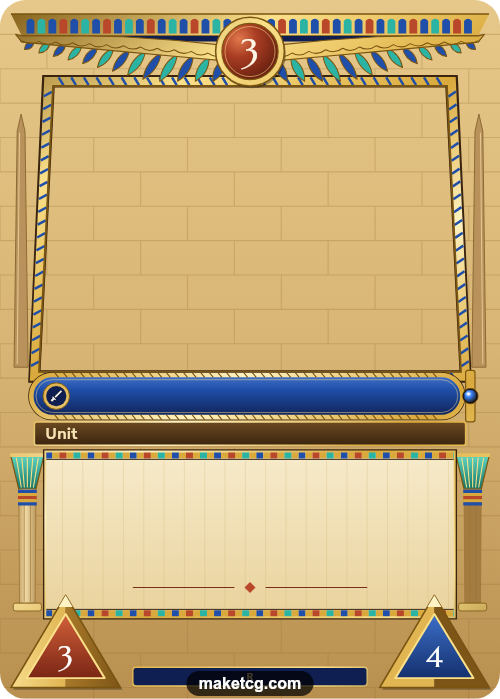
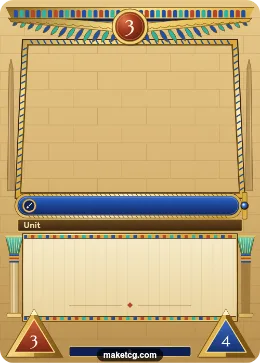 Ancient EgyptDownload PNG
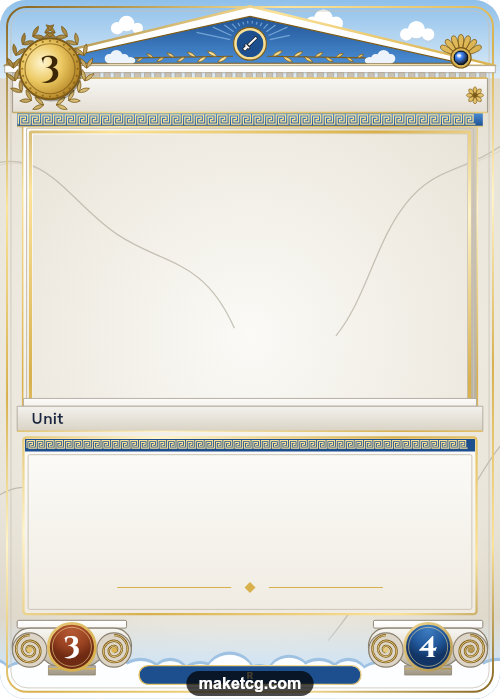
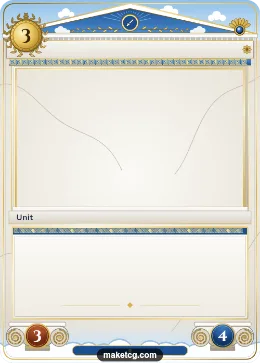 OlympusDownload PNG
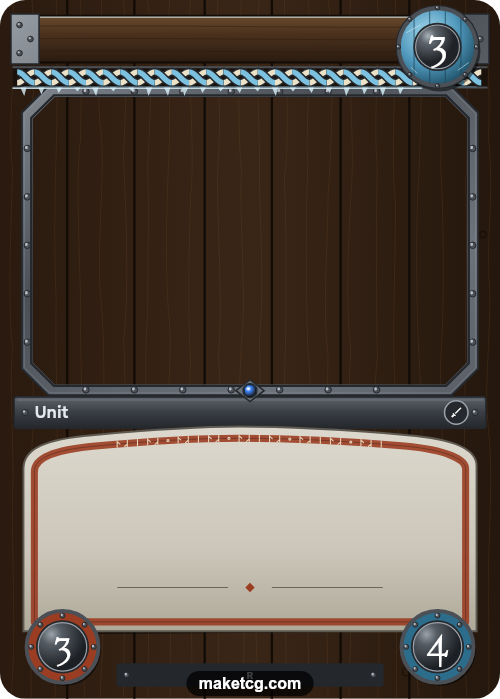
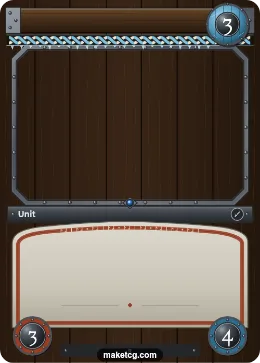 Norse SagaDownload PNG
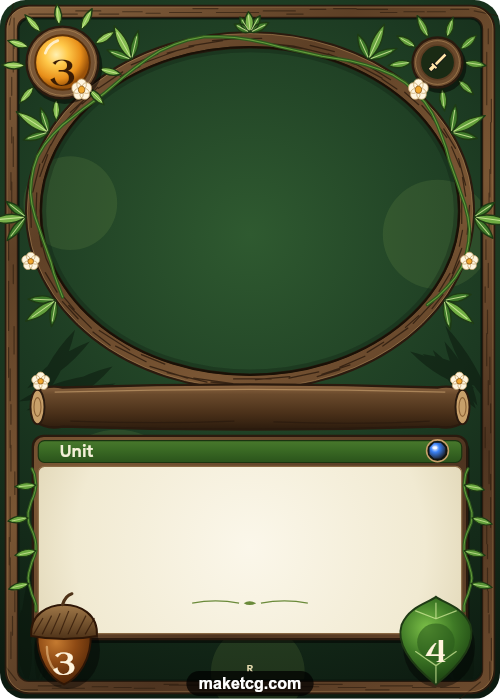
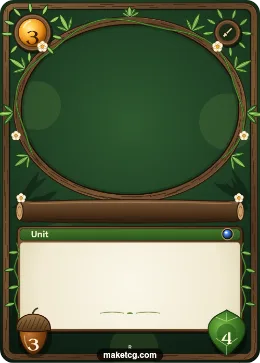 Elven ForestDownload PNG
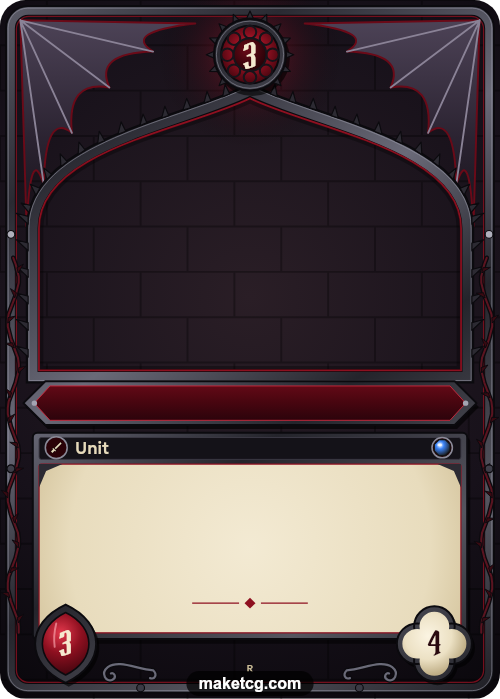
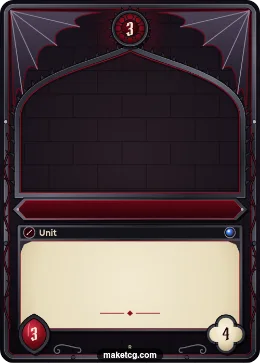 HorrorDownload PNG
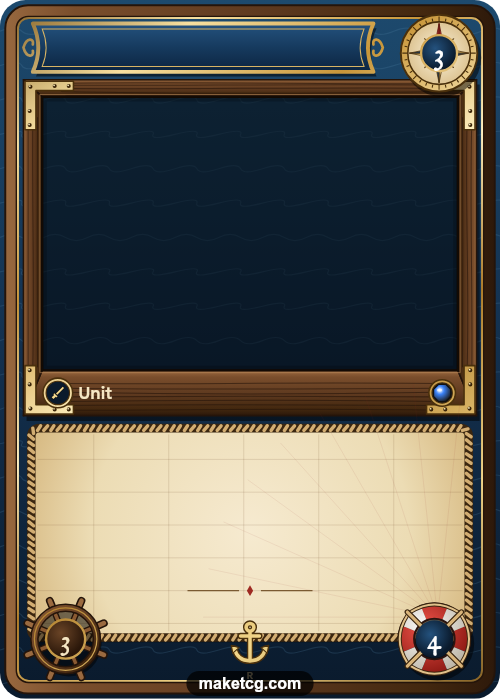
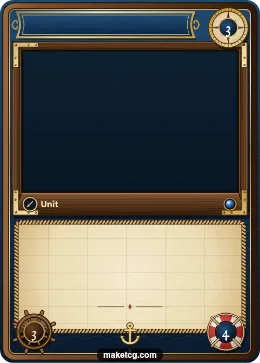 High SeasDownload PNG
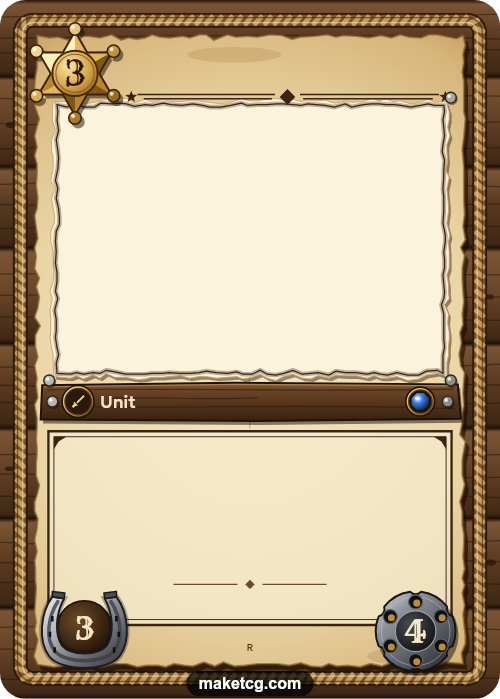
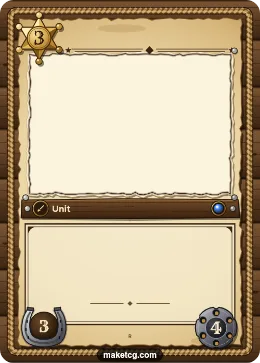 Wild WestDownload PNG
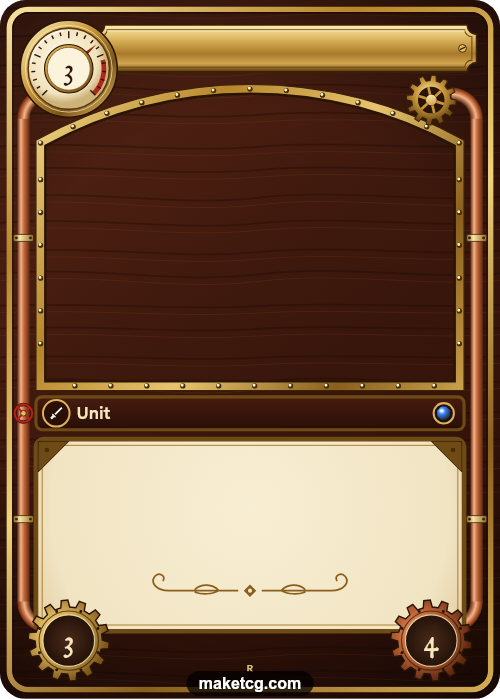
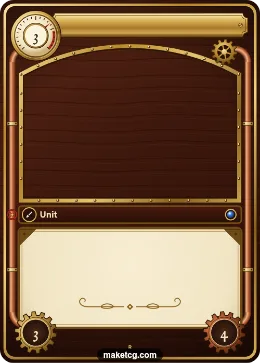 SteampunkDownload PNG
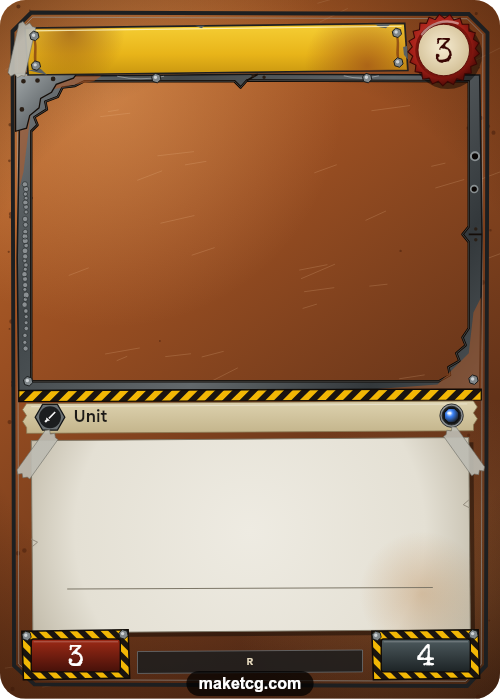
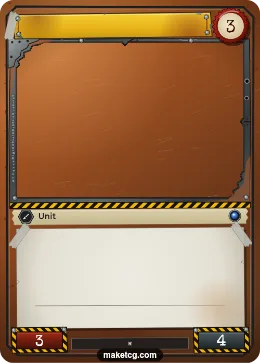 WastelandDownload PNG
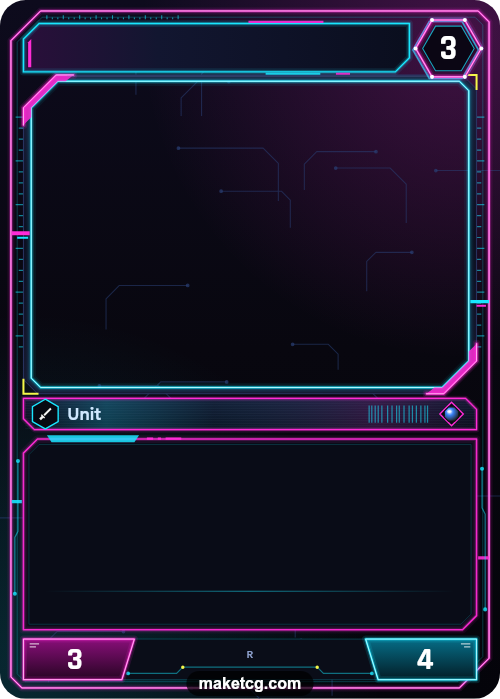
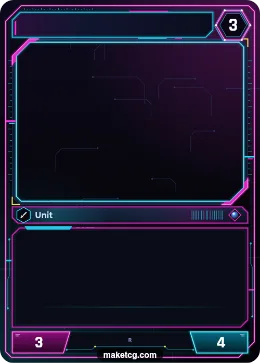 Neon CityDownload PNG
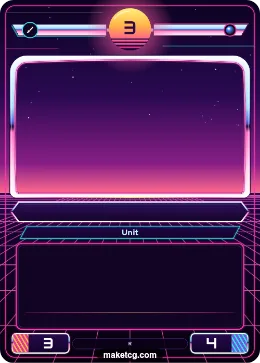 SynthwaveDownload PNG
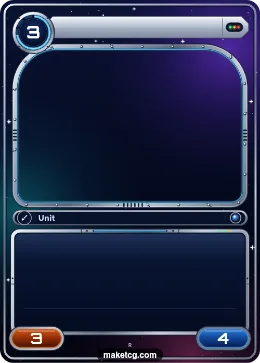 Deep SpaceDownload PNG
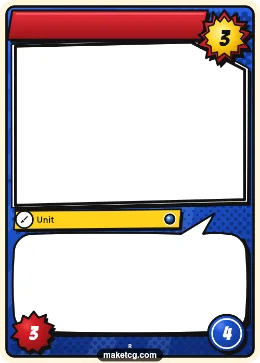 Comic HeroesDownload PNG
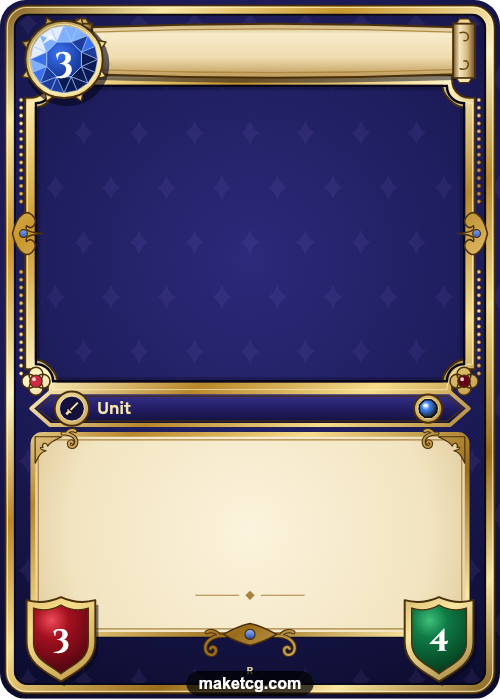
Questions
- Is the trading card template free?
- Yes. Making cards is free. Free downloads are screen size with a small watermark; Pro gives print-quality files without it.
- Do I need Canva, Word or Photoshop?
- No. The template works in your browser, on a phone or a computer. If you want to edit more, download the PNG and open it in any image editor.
- Do I need to install anything?
- No. It runs in the browser and keeps your work on your device unless you save it to your account.