Guides
How to design your own trading card game
Have an idea for your own card game? Design its cards in your browser with MakeTCG: 16 themes, many frame styles, your own art and text, and print-ready files for playtesting.
Step by step
Start with the idea and the rules
Write down what players do on a turn, how they win and which kinds of cards they need, such as units, spells and items. A one-page rule sheet is enough to start.
Pick a theme and a frame
Open Create your own card and choose one of 16 themes, such as High Fantasy, Neon City, Edo Japan or Norse Saga. Each theme has many frame styles, and the frame can take any colour.
Set the name, cost and stats
Give the card a name, a cost, its numbers such as attack and health, and a type line. Keep each number in the same place on every card so players read them at a glance.
Write the ability
Keep ability text short and use the same words for the same effect on every card. Themed keyword badges make repeated abilities easy to spot.
Add the art
Upload art you made or have permission to use, then move and zoom it to fit. Simple placeholder art is fine while you are still testing.
Print and playtest
Download the cards, lay them out with Proxy Print on A4 or Letter, and play a few games. Change what feels too strong or too weak, then print again.
Tips
- Start small: 20 to 40 cards are enough to test the core idea.
- Use the random card button for quick ideas for names and abilities.
- Keep a list of your keywords and what they mean, so every card uses them the same way.
- Put printed test cards in sleeves with an old card behind them: they shuffle like real cards.
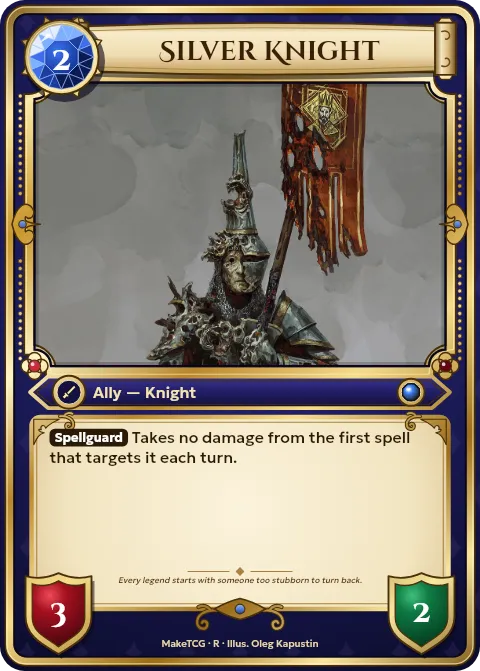
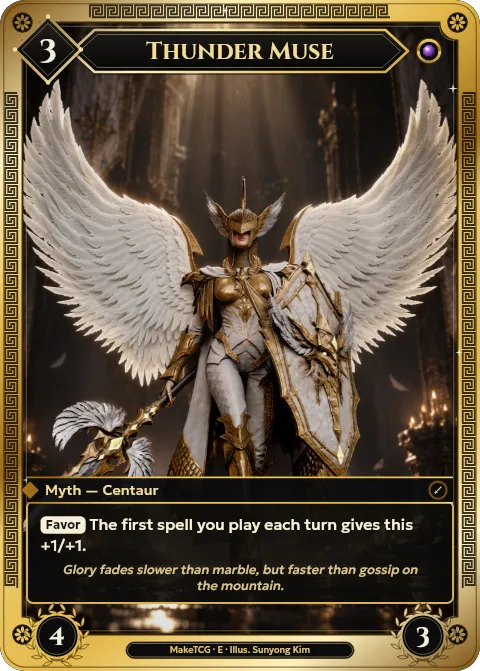
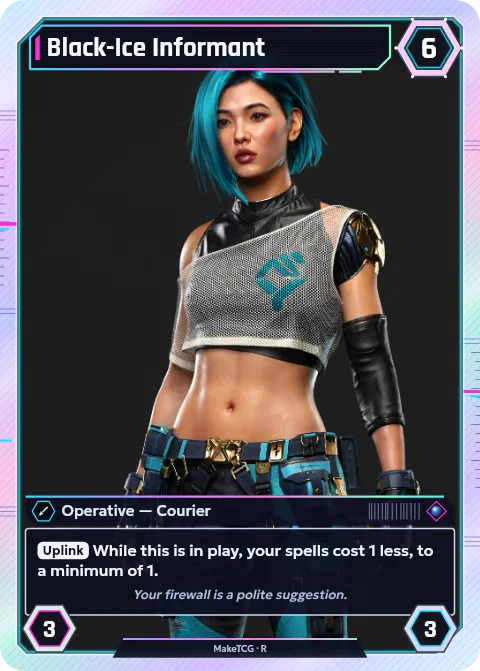
Cards made with MakeTCG
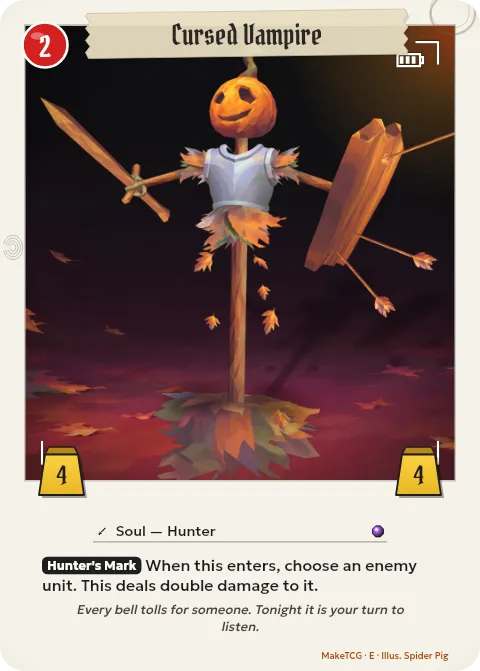
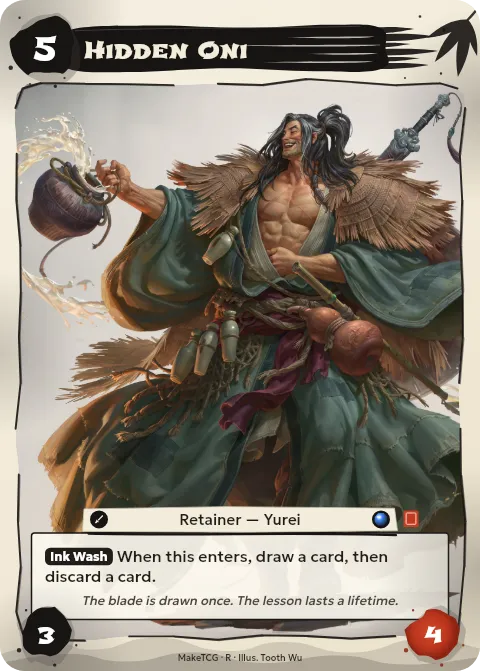
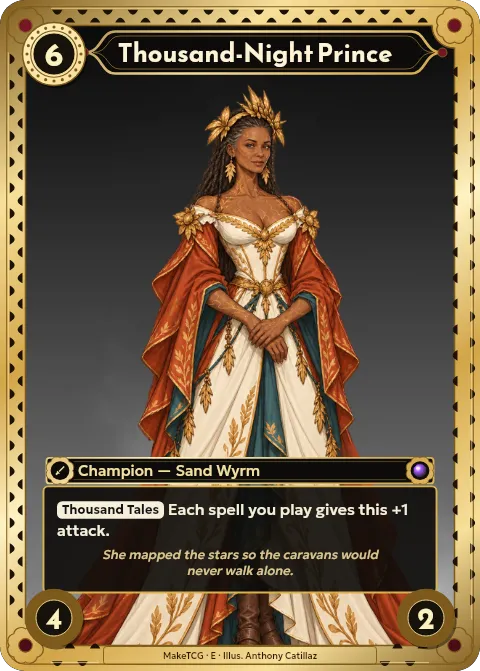
Questions
- Is it free to design cards?
- Yes. Designing cards is free. Free downloads are screen size with a small watermark; Pro gives print-quality files without it.
- What size are the cards?
- The standard trading card size, 63 × 88 mm (2.5 × 3.5 inches), the same as most card games. You can add 3 mm of bleed for a print shop.
- Can I share my cards with others?
- Yes. Save them to your account and share them on your profile and in Explore, where other creators can like and comment on them.