Guides
One Piece card template
Instead of editing a blank PNG in an image editor, use a live template: pick a card type and fill in the fields. The frame, icons and text layout are done for you.
Templates for every card type
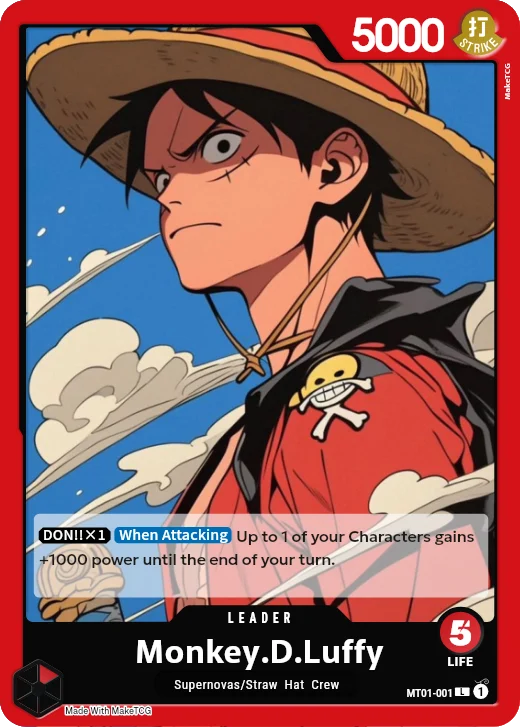
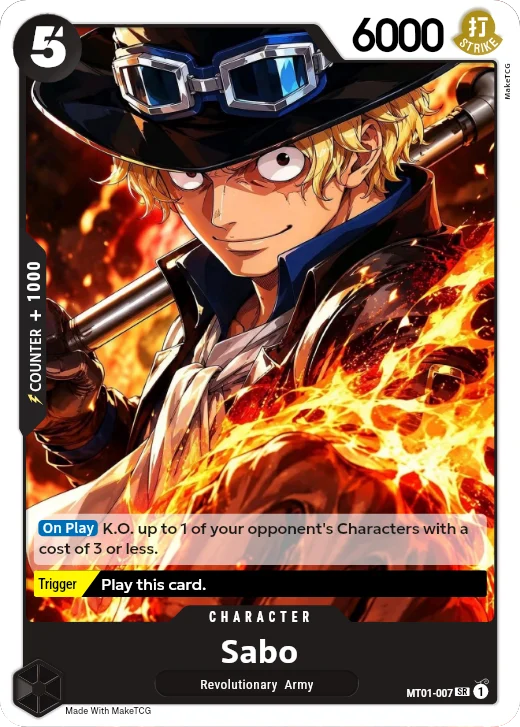
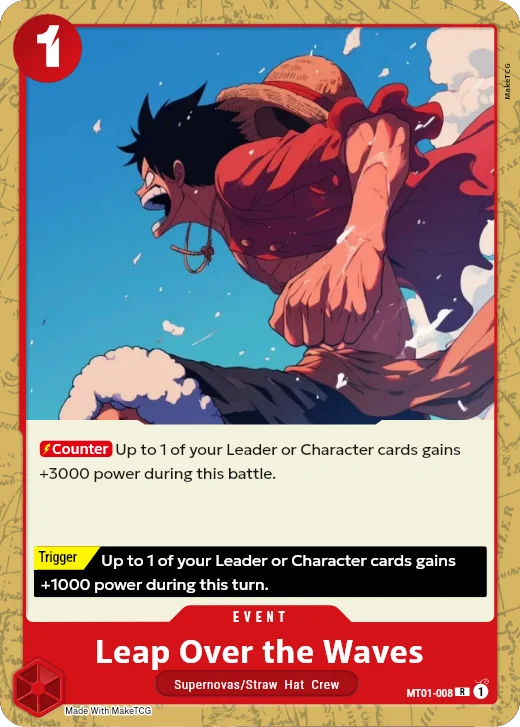
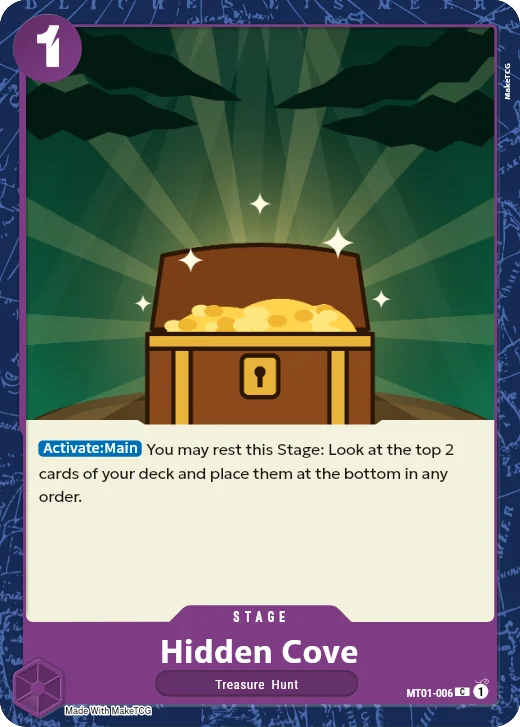
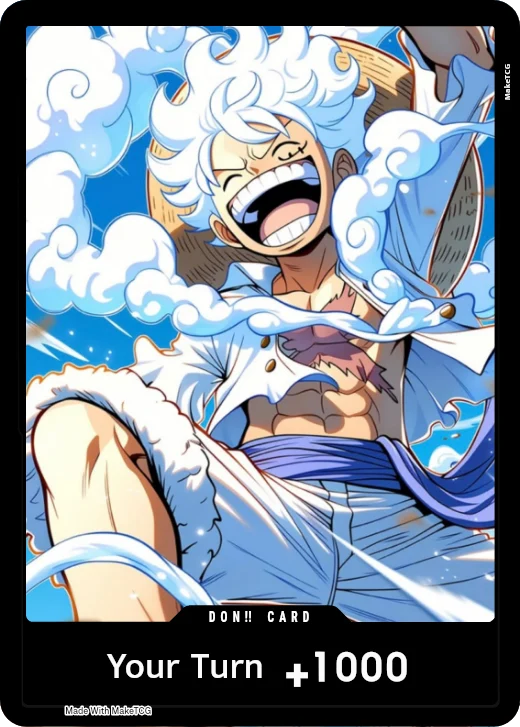
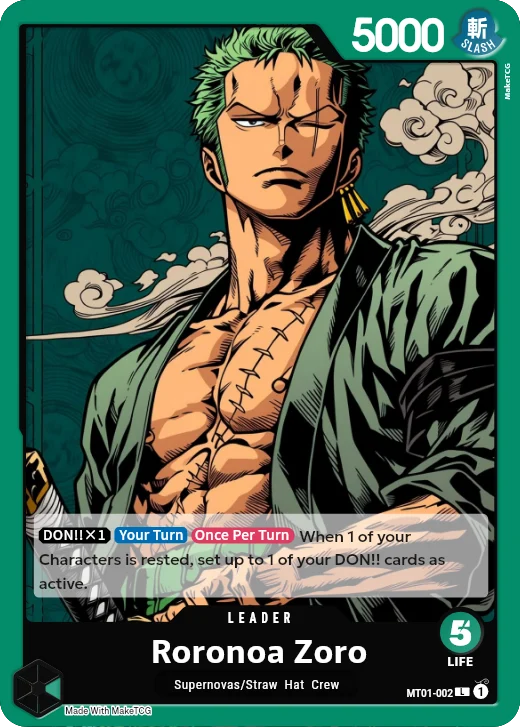
Character, Leader, Event, Stage and DON!! cards each have their own template with the right fields: a Leader gets Life and up to two colours, an Event gets a Trigger and Counter, and a DON!! card gets its power and text.
Parts of a One Piece card
- Cost
- Top left: how many DON!! you rest to play the card. Leaders have no cost; their Life is shown at the bottom right.
- Power
- Top right on Characters and Leaders: the card's strength in battle.
- Counter
- Along the left edge of Characters: the power it adds when you use it from your hand during your opponent's attack.
- Attribute
- Next to the power: Slash, Strike, Ranged, Special or Wisdom.
- Colour
- The frame colour: red, green, blue, purple, black or yellow. Leaders can have two.
- Name and type
- At the bottom: the card name and its types, for example a crew.
- Effect
- The text box, with keyword badges such as On Play or Blocker.
- Trigger
- On some cards: an effect you can use when the card is revealed from your Life.
- Set, number and rarity
- Bottom right: card number, rarity (C, UC, R, SR, SEC, L) and block icon.
- Artist
- The illustrator's name, along the right edge.
Cards made with MakeTCG
Questions
- Can I download a blank template?
- The editor is the template: download it as it is, or fill in the fields first. Free downloads are screen size with a small watermark.
- What size is the card?
- The standard 63 × 88 mm trading card size, the same as official cards. Proxy Print adds bleed for printing.