Guides
One Piece TCG keywords explained
One Piece Card Game abilities use short keyword badges. Here is what the common ones mean. You can add all of them to your own cards by typing [ in the card maker.
Keywords
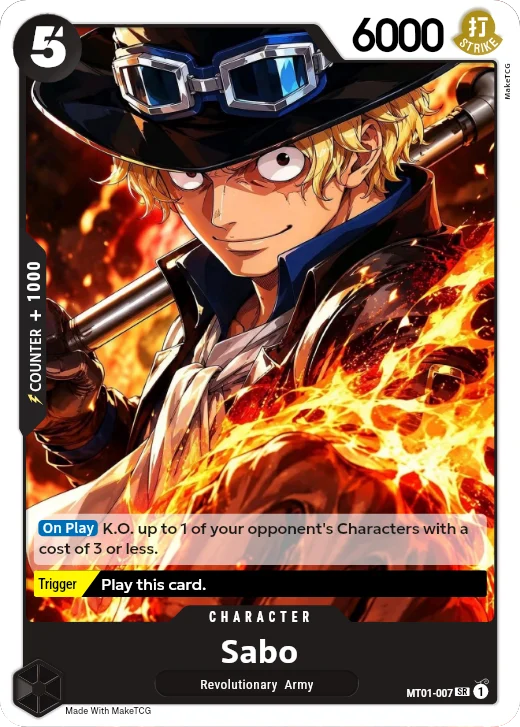
- On Play
- Activates when you play this card.
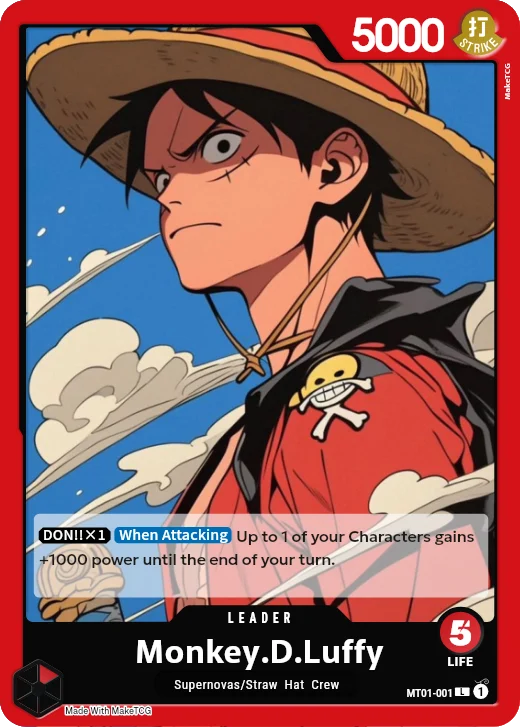
- When Attacking
- Activates when this card attacks.
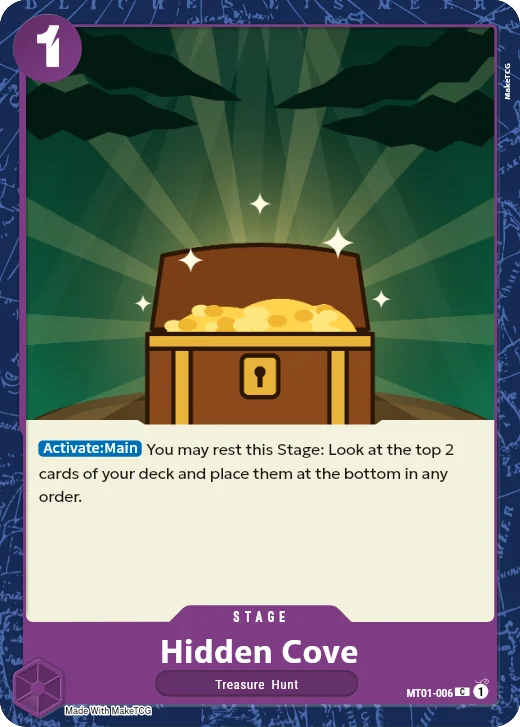
- Activate:Main
- You can use this effect during your Main Phase.
- Main
- On Events: you can use this card during your Main Phase.
- On K.O.
- Activates when this Character is K.O.'d.
- On Block
- Activates when this card blocks an attack.
- Blocker
- After your opponent declares an attack, you can rest this card to make it the new target of the attack.
- Rush
- This card can attack on the turn it is played.
- Double Attack
- This card deals 2 damage instead of 1.
- Banish
- When this card deals damage, the Life card is trashed and its Trigger can't be used.
- Unblockable
- Your opponent can't use Blocker when this card attacks.
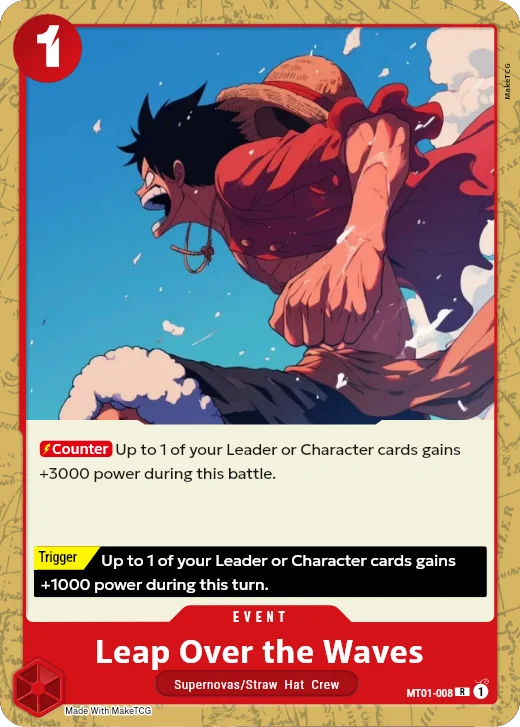
- Counter
- On Events: you can use the card during your opponent's attack. On Characters, the Counter value is power you add from your hand.
- Trigger
- When this card is revealed from your Life after damage, you can use this effect instead of adding it to your hand.
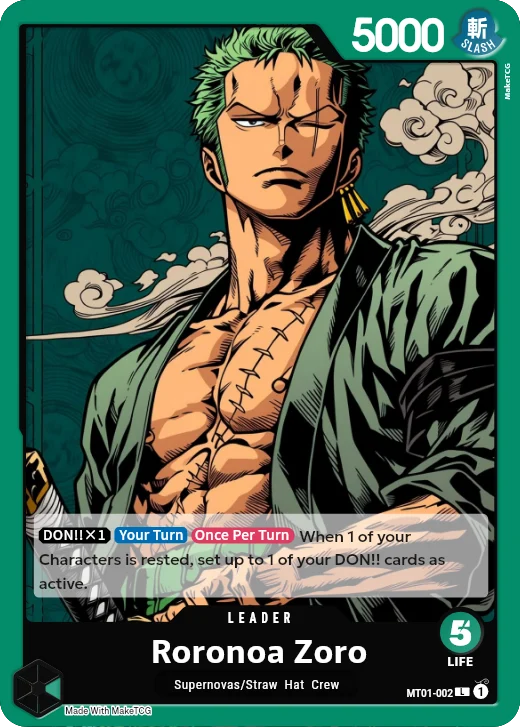
- DON!!×1
- The effect works while at least 1 DON!! card is given to this card (×2 needs 2).
- Once Per Turn
- This effect can be used only once each turn.
- Your Turn
- The effect works only during your turn.
- Opponent's Turn
- The effect works only during your opponent's turn.
- ①
- A cost: rest that many of your active DON!! cards to use the effect.
Cards made with MakeTCG
Questions
- How do I add a keyword badge to my card?
- In the ability box, type [ and pick the keyword, or tap a badge in the palette.
- Are these the official rules?
- This is a short summary to help you design cards. For tournaments, check the official One Piece Card Game rules.