
Guides
How to make a custom One Piece card
You can design your own One Piece Card Game card in a few minutes, right in your browser and for free. Here is how it works with MakeTCG.
Step by step
Choose the card type
Open the card maker and pick Character, Leader, Event, Stage or DON!!. Each type has its own frame and fields.
Set the frame and colours
Choose the border style, one or more colours and the attribute. The preview updates as you go.
Write the name, stats and ability
Fill in the name, type, cost and power. In the ability box, type [ to insert badges such as On Play, Blocker or DON!! x1.
Add your artwork
Upload your own image, then move and zoom it to fit the frame. Use art you made or have permission to use.
Download the card
Download a PNG to share, or a print-ready file with bleed to print it. Save a .tcgpack file to keep editing later.
Tips
- Keep the ability text short: a warning shows when it doesn't fit.
- Use a sharp image, at least 1000 pixels wide.
- Check the card on your phone too: the preview shows exactly what you download.
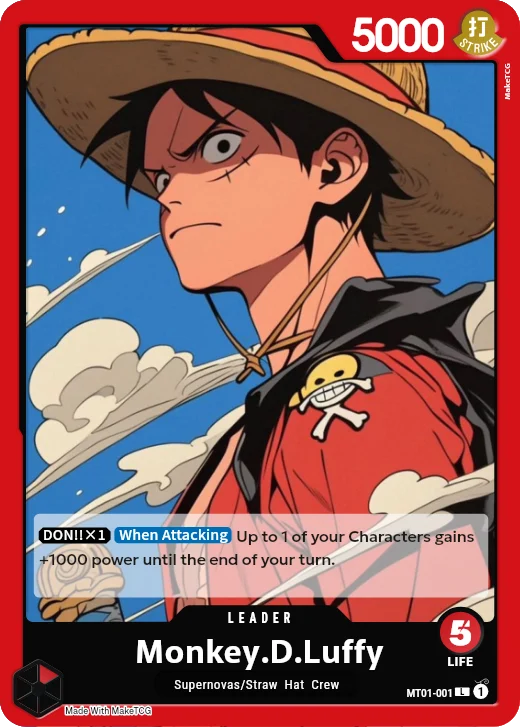
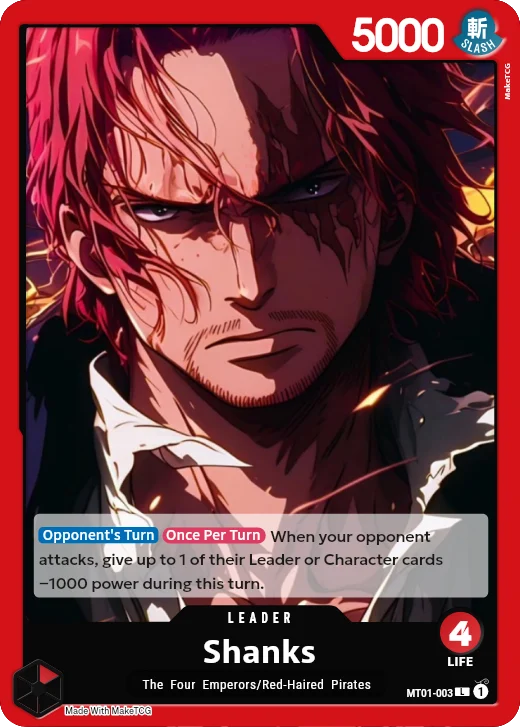
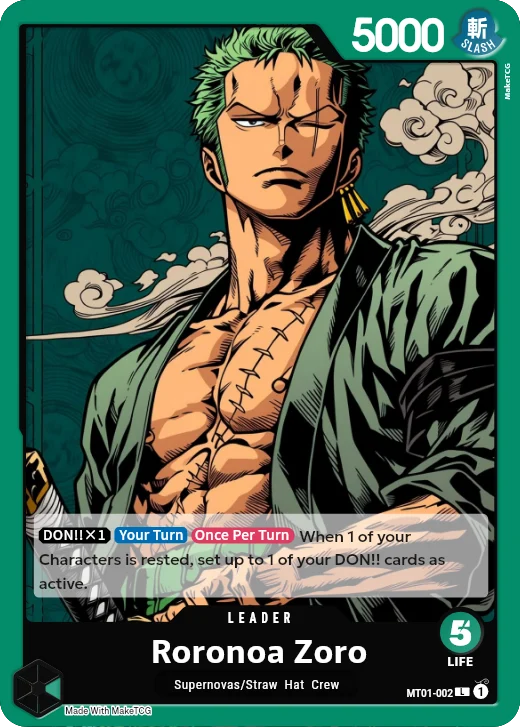
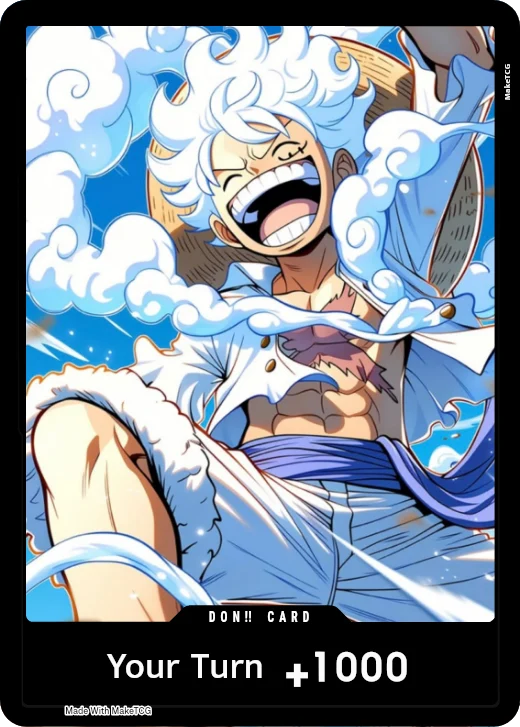
Cards made with MakeTCG
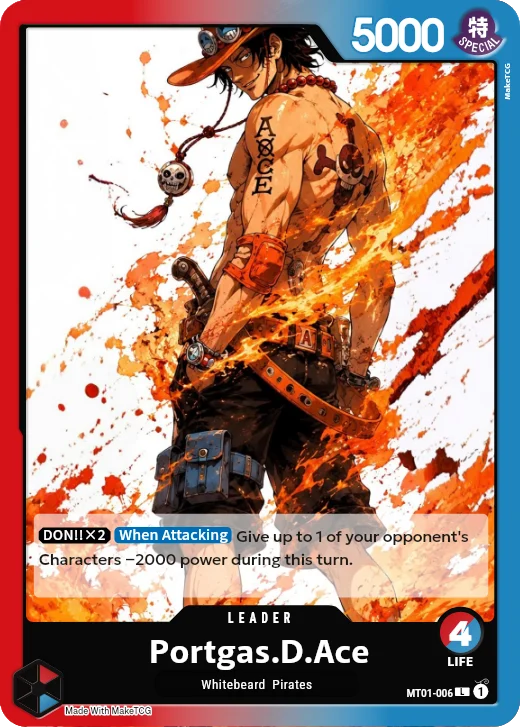
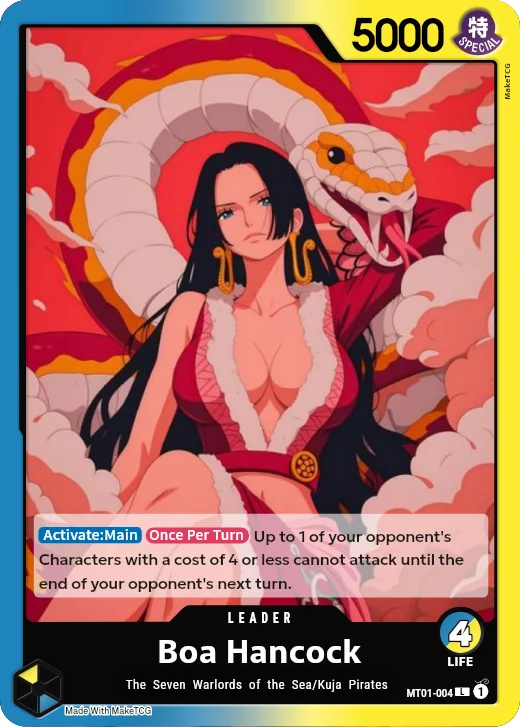
Questions
- Is it free?
- Yes. Every card maker is free. Free downloads are screen size with a small watermark; Pro gives print-quality files without it.
- Can I sell the cards I make?
- No. Cards made with MakeTCG are for personal use, such as casual play and deck testing. MakeTCG is a fan-made tool and is not affiliated with Bandai.